How to Get a Digital Certificate for Immigration Paperwork
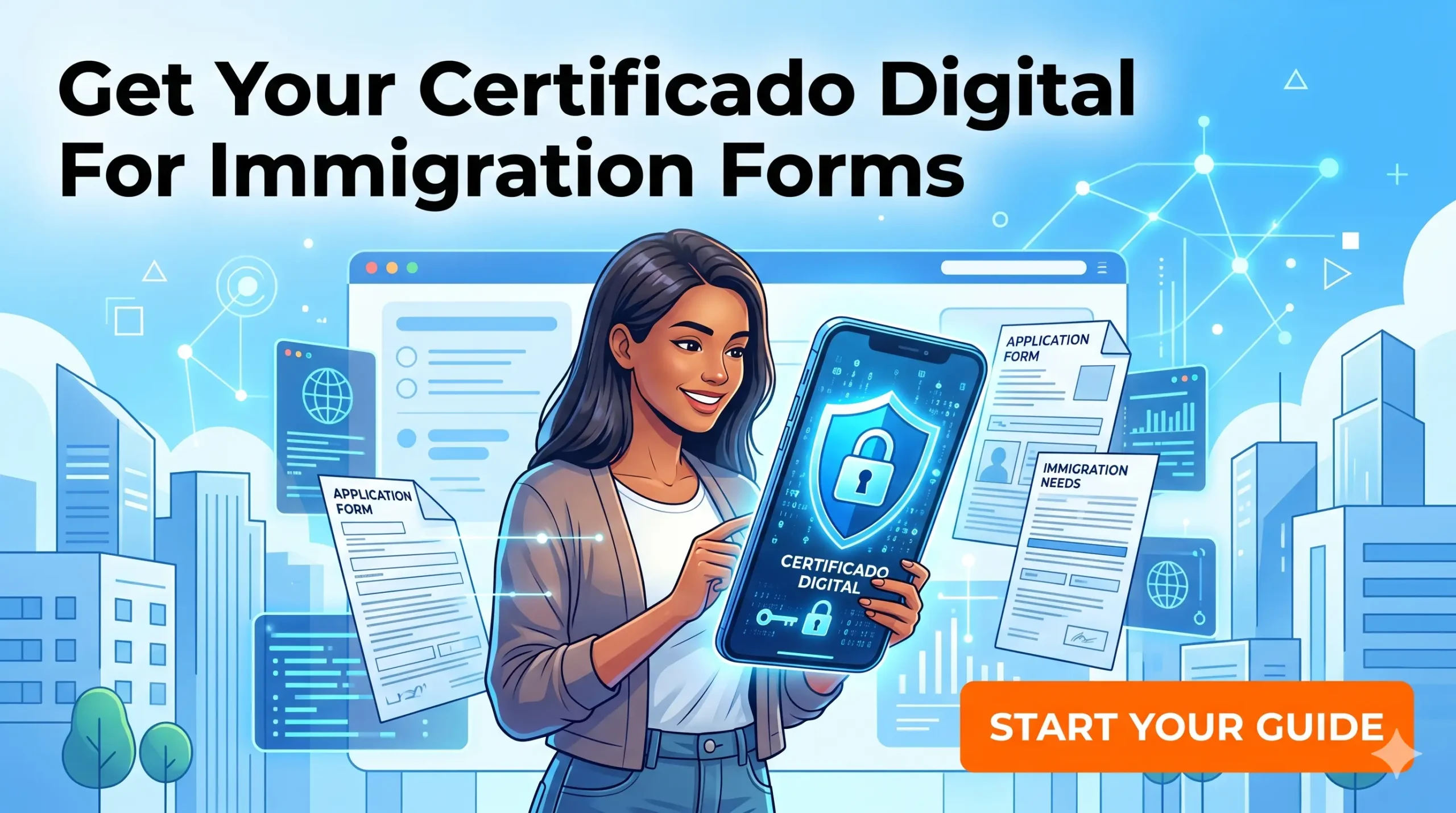
I spent three weeks waking up at 8:00 AM trying to book a physical appointment to renew my visa before a friend told me to just download a file. Navigating Spanish immigration without a Digital Certificate is a self-inflicted administrative nightmare that will drain your time and sanity. This guide explains exactly how to install this digital skeleton key to manage your entire Spanish residency from your couch.
Disclosure: This post may contain affiliate links. We may earn a commission at no extra cost to you if you make a purchase through these links. Read full disclosure.
The Bureaucratic Power of the Digital Certificate
In your home country, you might be used to logging into government portals with just a simple email and password. Spain does not operate this way. To perform any legally binding action online—from renewing a visa to checking a tax debt—the Spanish government requires absolute, cryptographic proof of your identity.
Escaping the Cita Previa Trap
The single biggest frustration new expats face in Spain is the cita previa (prior appointment) system. Immigration offices and police stations are catastrophically backlogged. People routinely spend weeks refreshing government websites, or worse, paying black-market mafias hundreds of euros just to secure a fifteen-minute time slot to hand over a piece of paper.
Securing a Digital Certificate completely bypasses this broken system. Once installed on your computer, you have a direct, legally recognized, 24/7 line to the Spanish government. You do not need to stand in the rain outside the Extranjería (Immigration Office) at dawn. You can upload your documents, sign them digitally, and receive immediate, time-stamped legal receipts proving you met your deadlines.
The freedom this provides cannot be overstated. With this certificate, you can completely control the timelines outlined in How to Renew Your Spanish Residency TIE Before It Expires, drastically reducing your anxiety as your expiration date approaches. You can also instantly access your historical immigration files, download residency proofs, and monitor your legal status without ever speaking to a civil servant.
Comparing the Certificate to Clave PIN
When you arrive in Spain, you will hear locals talking about the Cl@ve system alongside the Digital Certificate. While both are digital identity systems, they are absolutely not interchangeable, and relying on the wrong one will leave you stranded during critical immigration procedures.
Cl@ve PIN is a lighter, mobile-based authentication system. It sends a temporary password to your phone, allowing you to log in to basic portals to check your tax status or view medical records. However, Cl@ve PIN does not possess the cryptographic authority to digitally sign official PDF documents.
The Digital Certificate, issued by the Fábrica Nacional de Moneda y Timbre (FNMT), is the heavy-duty option. It is a secure file installed directly into your computer’s browser. When a Spanish portal asks you to “firmar” (sign) a legal submission, only the FNMT Digital Certificate, paired with the government’s desktop signature software, will work.
| Feature | FNMT Digital Certificate | Cl@ve PIN / Permanente | Expat Recommendation |
| Authentication Level | Maximum (Legally binds signature) | Moderate (View and basic access) | Mandatory for immigration |
| Document Signing | Yes (Can digitally sign PDFs) | No | Mandatory for appeals |
| Installation | Computer Browser / Hard Drive | Smartphone App | Use Certificate as primary |
| Setup Complexity | High (Requires software + in-person) | Low (Can be done via video call) | Do the hard setup once |
Phase One Software and the Request Code
Getting the certificate is a three-step process: request it online, prove your identity in person, and download the final file. The first phase requires you to navigate Spain’s notoriously archaic legacy government software.
Navigating Legacy Government Software
The Spanish government’s web infrastructure feels like it was built in the early 2000s and never updated. If you try to use Apple Safari, privacy-focused browsers like Brave, or mobile tablets to request your certificate, the system will almost certainly crash or generate a fatal error. You must use a standard desktop computer running a recent version of Google Chrome, Mozilla Firefox, or Microsoft Edge.
Before you can even request the certificate, you must download a specific pre-configuration software package from the FNMT website called the Configurador FNMT. This software prepares your browser to generate the secure cryptographic keys required for the final download.
Simultaneously, you should download and install an application called Autofirma. Developed by the Ministry of Economic Affairs and Digital Transformation, Autofirma is the desktop application that actually executes your digital signature when you interact with immigration portals. Without having Autofirma installed and running in the background, you will not be able to finalize your visa submissions or access portals to read legal notices, a process explained deeply in How to Set Up AEAT Online Notifications DEHú in Spain.
Generating Your Solicitud Code
Once your browser is configured, you navigate to the FNMT “Persona Física” portal to request your certificate. You cannot do this anonymously. You must input your official Spanish identification number. If you are a new arrival, understanding how to secure this foundational nine-digit code is mapped out in Getting an NIE for Employment or Study: Practical Overview.
You will enter your NIE, your first surname exactly as it appears on your Spanish paperwork, and an email address you have permanent access to. The system will then generate a 9-digit Request Code (Código de Solicitud) and email it to you.
Here is the absolute golden rule of the Digital Certificate process: from the exact second you generate that 9-digit code, do not update your computer’s operating system, do not clear your browser cookies, do not change browsers, and do not switch computers. The cryptographic key generated during the request is tied locally to that exact machine state. If you change anything, the final download will fail, and you will have to start the entire process over.
Phase Two Proving Your Identity in Person
You have generated the digital request, but the Spanish government needs to verify that the human holding the NIE actually matches the digital code. This is the only mandatory physical step in the entire process.
Finding an Authorized Acreditacion Office
You must take your 9-digit Request Code to an authorized Identity Accreditation Office (Oficina de Acreditación de Identidad). Fortunately, unlike immigration offices, there are thousands of these scattered across Spain.
You can verify your identity at any local Agencia Tributaria (Tax Agency) office, a Seguridad Social (Social Security) office, or even many local town halls (Ayuntamientos). You must book a cita previa specifically for “Acreditación de Certificado Digital” at one of these locations. Because these offices handle general administrative tasks, securing an appointment usually only takes a few days, unlike the months-long wait times for police stations.
When you go to the appointment, you must bring your original, unexpired passport, your physical TIE card or the green NIE paper, and the email containing your 9-digit code. The civil servant will check your face against your passport, type your code into their terminal, and authorize your digital file.
Presenting Documents and Translations
If you decide to verify your identity at a local town hall rather than a tax office, you may face additional municipal hurdles. Many town halls require you to be officially registered on their local census before they will process your digital certificate. Navigating this local registration is a crucial step covered in How to Change Address on Your TIE Card After Moving in Spain.
If you are registering at the town hall and they demand to see foreign civil documents—like a foreign marriage certificate or a birth certificate to link family members—you cannot present them in English. The documents must be properly authenticated, a process detailed in Apostille for Spain: Which Documents Need It and How to Get One. Furthermore, these authenticated documents must be flawlessly translated into Spanish.
You should use RushTranslate to process these civil documents before you walk into the town hall. Because RushTranslate provides highly accurate, certified translations with a 24-hour turnaround, you will not have to delay your digital certificate appointment just because a municipal clerk cannot read an English marriage certificate. Utilizing RushTranslate ensures that your foreign documents are instantly accepted by local Spanish authorities. By leaning on RushTranslate, you eliminate the risk of being turned away from your appointment, keeping your administrative timeline moving at maximum speed.
Phase Three Downloading and Using the Key
Once the civil servant authorizes your code, they will tell you that your certificate is ready. The final phase requires extreme technical care to ensure you don’t lose the file you just fought so hard to obtain.
The Final Download and Exporting the File
Return to the exact same computer and the exact same browser you used to request the initial code. Go back to the FNMT website and select the “Descargar Certificado” (Download Certificate) option. Enter your NIE, your first surname, and the 9-digit code again.
The website will execute the download, and the certificate will seamlessly install itself into your browser’s internal certificate manager. However, leaving it only in the browser is incredibly dangerous. If your laptop breaks or you need to reformat your hard drive, the certificate is destroyed, and you must repeat the entire in-person verification process.
Immediately after downloading, you must access your browser’s security settings, locate the certificate, and click “Export.” You will be prompted to create a strong password. The system will then generate a .p12 or .pfx file. You must save this file to a secure external USB drive or a heavily encrypted cloud folder. This .p12 file is your actual, portable Digital Certificate. You can now double-click it to install it on your other laptops or your mobile devices, giving you total administrative freedom.
Seamless Immigration and Healthcare Renewals
With the Digital Certificate installed, your life as an expat becomes exponentially easier. If your residency renewal is unfairly rejected, you do not have to hire an expensive lawyer to file a physical appeal. You can log into the Sede Electrónica, draft your administrative appeal, sign it instantly using Autofirma, and submit it directly to the reviewing officer. Understanding this incredible leverage is deeply explored in What to Do If Your Spain Residency Renewal Is Denied Appeal Options.
This digital power is especially vital when submitting mandatory health insurance documents during immigration procedures. The government strictly requires flawless medical coverage files. To guarantee your documents are accepted immediately through the digital portal, you should secure a localized Spanish health policy natively through Innoinsure. Because Innoinsure designs policies explicitly to satisfy Spanish immigration laws, their PDFs are perfectly formatted for digital submissions.
By utilizing Innoinsure, you receive a compliant policy document that you can instantly sign with your new Digital Certificate and upload to the Extranjería website without fear of rejection. Relying on Innoinsure completely bypasses the nightmare of trying to digitally authenticate and translate a massive foreign insurance booklet. With your Digital Certificate installed and compliant tools like Innoinsure in your arsenal, you can securely handle your legal obligations and successfully set up your local financial infrastructure, as outlined in Opening a Bank Account in Spain: Step-by-Step for Foreigners and Spanish Taxes for Foreign Residents: Practical Guide to Staying Compliant.
References
Primary sources official
- Fábrica Nacional de Moneda y Timbre (FNMT) – Obtener Certificado Software: https://www.sede.fnmt.gob.es/certificados/persona-fisica/obtener-certificado-software/configuracion-previa
- Portal de Administración Electrónica – Descarga de AutoFirma: https://firmaelectronica.gob.es/ciudadanos/descargas.html
Other helpful sources
- Agencia Estatal de Administración Tributaria (AEAT) – Sede Electrónica: https://sede.agenciatributaria.gob.es/
- Ministerio de Inclusión, Seguridad Social y Migraciones: https://www.seg-social.es/
Disclaimer
The information provided in this guide is exclusively for educational and informational purposes and does not constitute official legal, IT, or immigration advising. The technical requirements for the Configurador FNMT, the software dependencies for Autofirma, and the acceptable identification documents required by the Oficinas de Acreditación de Identidad are highly specific and subject to frequent updates by the Spanish Ministry of Economic Affairs and Digital Transformation. While we strive to ensure absolute accuracy, you should always consult the official FNMT technical support documentation or a registered Spanish gestor if you experience persistent cryptographic errors during the certificate generation process.