How to Use Spanish Health Apps to Book Appointments (Generic Guide)
Trying to book a doctor’s appointment in Spain by navigating a clunky, Spanish-only regional app can feel like cracking an impossible digital code. I once spent two days locked out of my local health portal because my residency card number format was randomly rejected. This guide explains how to bypass digital glitches, navigate regional Spanish health apps, and successfully book appointments.
Disclosure: This post may contain affiliate links. We may earn a commission at no extra cost to you if you make a purchase through these links. Read full disclosure.
The Fragmented Reality of Digital Healthcare in Spain
When you move to Spain, you might assume there is a single, national application to manage your medical life. The reality is that the Spanish healthcare system is highly decentralized, which creates an immediate administrative hurdle for newly arrived expats trying to get online.
Why There Is No Single National Health App
Healthcare in Spain is managed independently by the seventeen autonomous communities. This means that if you live in Madrid, you must download the Tarjeta Sanitaria Virtual. If you live in Andalusia, you use Salud Andalucía, and if you live in Catalonia, you need La Meva Salut.
These regional applications do not communicate with each other effectively. If you move from Valencia to Barcelona, you have to download an entirely new application and start the digital registration process all over again. Before you can even attempt to log into your specific regional application, you must physically exist in their local database. You cannot simply download the app and create an account with an email address. You must first go in person to your local public clinic, present your residency documents, and be assigned a public health number. If you have not completed this crucial first step, reviewing our walkthrough on What Is a Centro de Salud in Spain and How Do You Register is absolutely mandatory.
Once your physical registration is complete, the app will usually ask for your CIP or SIP number, which is the long string of digits printed on your physical public health card. Entering this number correctly is often the first major digital hurdle, as some apps require the letters at the beginning of the card, while others only want the numbers.
Overcoming Login and Identity Verification Hurdles
The most notorious frustration expats face with Spanish health apps is the identity verification process. Spanish digital security is incredibly rigid. Many regional apps will not let you book an appointment simply by entering a password.
Instead, they require you to authenticate your identity using a Certificado Digital (Digital Certificate) installed on your phone or through the national Cl@ve pin system. If you try to log in using just your NIE (Foreigner Identity Number), the system frequently glitches, particularly if your number starts with a specific letter that the legacy software struggles to recognize.
If you are locked out, you usually have to return to the administrative desk at your local health center and ask them to manually reset your digital portal access or provide you with a temporary PIN code via SMS. Once you finally get past the login screen, you gain access to a powerful, albeit visually outdated, tool for managing your health. From here, you can view your clinical history, a feature we explore deeply in Medical Records in Spain: Accessing and Sharing Your History.
How to Navigate Your Regional Health App
Once you are successfully logged into your regional portal, the interface will almost certainly be entirely in Spanish. While the layouts differ slightly from region to region, the core vocabulary and booking pathways are universally identical.
Finding the Right Booking Section
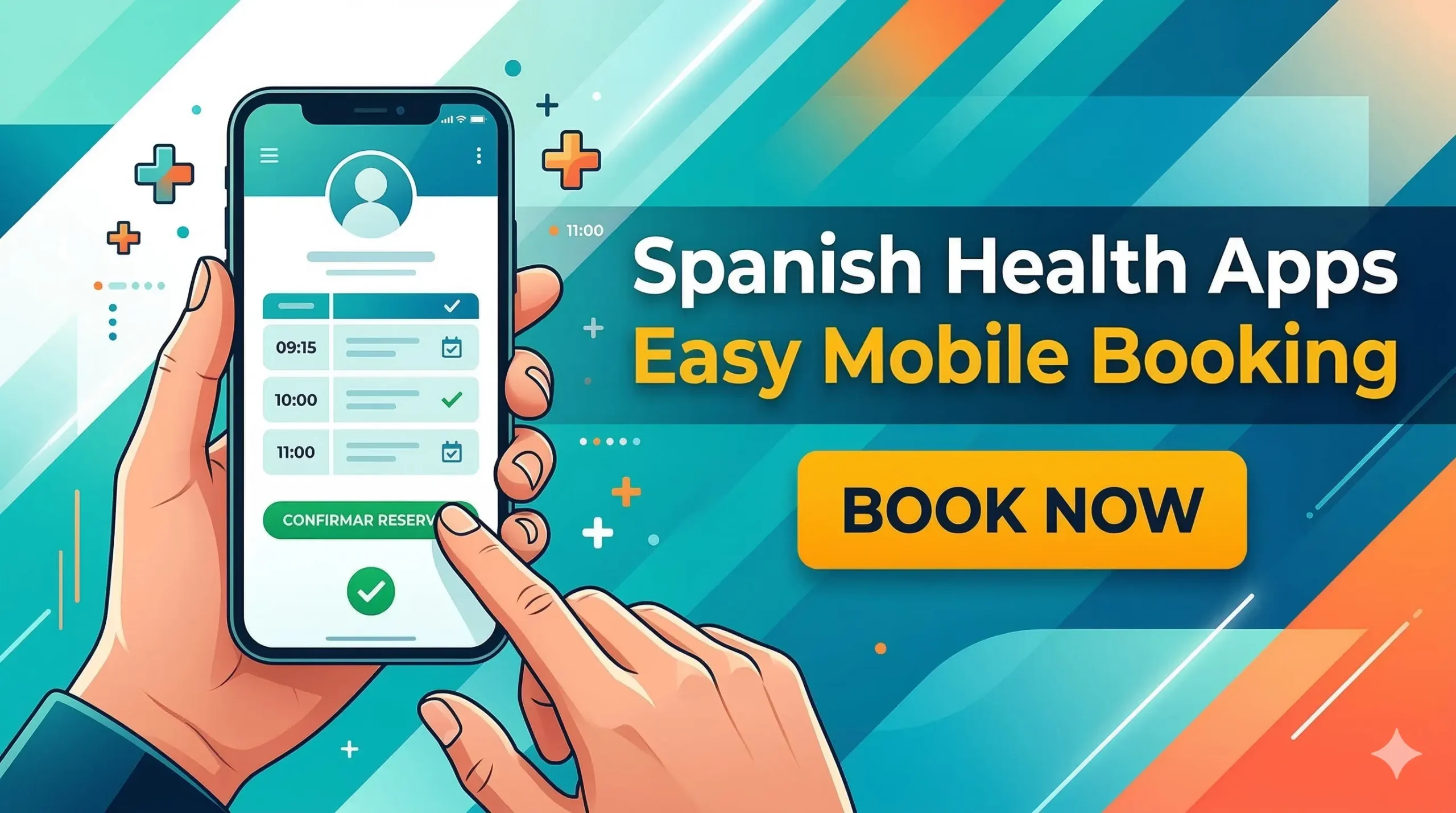
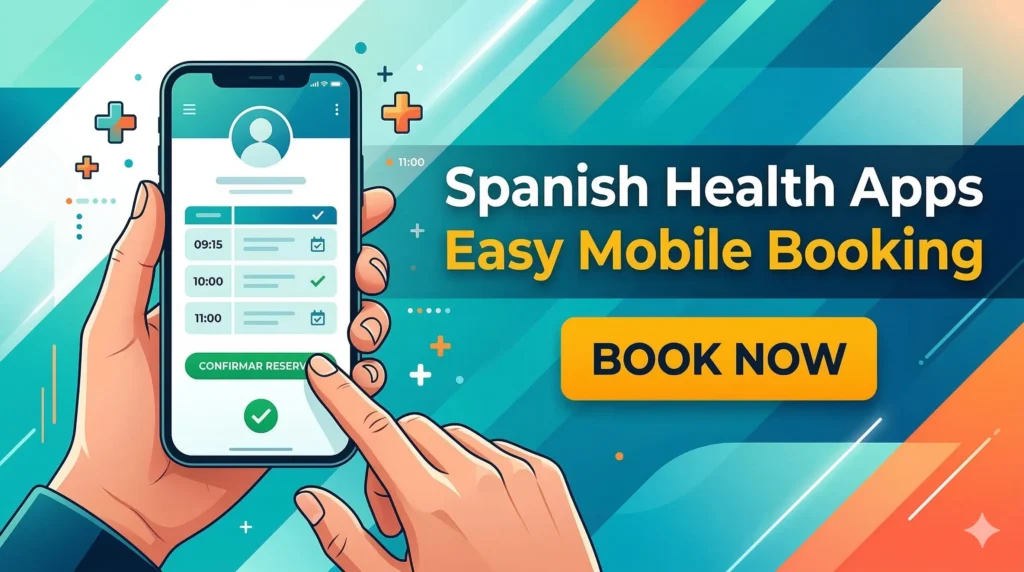
To book a standard consultation, you must look for the section labeled Citas (Appointments) or Cita Previa (Prior Appointment). You will then be prompted to choose the type of professional you need to see.
This is where the Spanish system differs significantly from many Anglo-Saxon countries. You cannot book an appointment directly with a specialist, like a dermatologist or a cardiologist, through the public app. You must always select Atención Primaria (Primary Care) to see your assigned general practitioner, known as the médico de cabecera. The general practitioner acts as the strict gatekeeper for all specialized public care.
Furthermore, you must distinguish between seeing a doctor and seeing a nurse. If you need a routine blood pressure check, a bandage changed, or an adult booster shot, you must select Enfermería (Nursing). The doctor will not perform these tasks. If you are specifically trying to navigate the system for preventative shots, read How to Get a Vaccination Appointment in Spain Adults to understand why booking the nurse is critical.
| Spanish App Term | English Translation | When to Use It |
| Cita Previa | Prior Appointment | To start the booking process |
| Atención Primaria | Primary Care | To see your assigned general practitioner |
| Enfermería | Nursing | For wound care, vitals, or vaccinations |
| Consultar Citas | View Appointments | To check or cancel an existing booking |
| Receta Electrónica | Electronic Prescription | To check active medication refills |
Managing Glitches and Lack of Availability
A very common, disheartening experience is navigating perfectly through the app, selecting your primary care doctor, and being presented with a calendar that shows absolutely zero available appointments for the next three weeks.
Public health centers in expat-heavy coastal areas and dense urban centers are chronically understaffed. The app is not broken; there simply are no slots. If you need urgent care but your situation is not severe enough for a hospital emergency room, you cannot rely on the app. You must physically walk into the clinic at 8:00 AM and wait in line to request a same-day emergency slot (cita de urgencia).
Bypassing Public App Frustrations with Private Healthcare
The sheer exhaustion of fighting with regional app logins, dealing with SMS verification failures, and waiting weeks for an available time slot is exactly why so many expats eventually abandon the public digital route altogether.
The Superior Interface of Private Insurance Apps
When you shift from the public healthcare system to the private sector, the digital experience transforms completely. Major private health insurance companies invest heavily in modern, user-friendly mobile applications that rarely suffer from the legacy integration issues of the state-funded portals.
This stark contrast in usability is a primary reason why utilizing an expert, expat-focused broker like Innoinsure is a massive administrative relief. A dedicated, bilingual agent from Innoinsure can seamlessly set up a premium private health policy that grants you access to a highly sophisticated, often English-language mobile application. You can explore the broader structural differences between these two medical worlds in our overview of the Spain Healthcare System for Expats: Public vs Private.
With a comprehensive policy secured through Innoinsure, you do not need to fight for a primary care slot. You simply open your provider’s app, browse a massive directory of specialists, and instantly book an appointment with a private cardiologist or dermatologist for the very next day. The apps provided by networks within the Innoinsure portfolio often feature intuitive GPS tracking to show you the nearest available clinics, completely bypassing the rigid geographical zones enforced by the public health apps.
Leveraging Telemedicine and Digital Doctors
Beyond simple appointment booking, private health apps offer a feature that the regional public apps struggle to provide efficiently: on-demand digital healthcare.
If you wake up with a mild fever or a strange rash and do not want to commute across town, many modern policies brokered by Innoinsure feature robust 24/7 telemedicine access integrated directly into the app. You can tap a single button to initiate a secure video call with an English-speaking general practitioner. Discover how to safely leverage this incredible perk in Telemedicine in Spain: When It’s Useful and What to Expect.
During these digital consultations, the private doctor can assess your symptoms, provide medical advice, and instantly push a private digital prescription (receta electrónica privada) directly to your phone’s app. You can then walk into any local pharmacy, show the pharmacist the QR code on your screen, and collect your medication. Utilizing your Innoinsure policy for digital triage turns a stressful, bureaucratic nightmare into a manageable, communicative experience without ever leaving your couch.
Managing Prescriptions and Wellness Through Digital Portals
Once you have successfully seen a doctor, whether physically or digitally, you must understand how Spanish applications handle your ongoing treatment and medication cycles.
Navigating the Receta Electronica
In the Spanish public system, paper prescriptions are largely a thing of the past. Your general practitioner will upload your medication authorizations directly to your digital health file.
Inside your regional health app, you will find a section typically called Mi Salud (My Health) or Receta Electrónica. Here, you can view exactly which medications are active and, crucially, the specific dates when the pharmacy is legally allowed to dispense your next refill. You cannot simply walk into a pharmacy and demand a refill early; the pharmacist’s computer system is linked to your app, and it will physically block the transaction until the dispense date arrives. To understand how the state calculates the cost of these digital refills, review Understanding Co-Payments at Spanish Pharmacies Copago.
Bridging the Retail Gap for Holistic Wellness
While Spanish health apps are excellent for tracking your subsidized pharmaceutical prescriptions, they cannot help you manage your preventative wellness. If you want to proactively support your immune system or manage chronic fatigue, you must step outside the state-funded digital ecosystem.
If you walk into a physical Spanish pharmacy to buy high-grade vitamins, specialized probiotics, or clean-ingredient immune boosters, you will be hit with absolutely staggering retail markups. The selections are severely limited, and holistic preventative care is often treated as a massive luxury expense. To grasp the baseline of these hidden retail medical costs, see our detailed overview on Health Costs in Spain: Typical Co-Pays and Out-of-Pocket Fees.
To completely bypass this frustrating retail gap, the savvy international community in Spain relies heavily on iHerb. Instead of fighting with local pharmacy pricing, you can order your daily preventative supplements, potent antioxidants, and premium joint-support formulas directly through the iHerb digital platform.
Having a dedicated holistic wellness stash delivered directly to your Spanish door via iHerb ensures you are actively fortifying your body before you ever need to book a doctor’s appointment. Navigating a foreign medical system and its accompanying apps is chaotic and exhausting; relying on iHerb to effortlessly restock your specific preventative wellness arsenal puts the control firmly back in your hands. You can avoid the local pharmacy markup completely by utilizing iHerb for your baseline care, ensuring you stay healthy, energized, and far away from the frustrating regional health portals.
References
Primary sources official
- Ministerio de Sanidad – Historia Clínica Digital del Sistema Nacional de Salud: https://www.sanidad.gob.es/profesionales/hcdsns/home.htm
- Ministerio de Sanidad – Proyecto de Receta Electrónica del SNS: https://www.sanidad.gob.es/profesionales/recetaElectronicaSNS/home.htm
Other helpful sources
- Expatica – Healthcare in Spain: https://www.expatica.com/es/healthcare/
- Citizens Advice Bureau Spain – Healthcare Information: https://www.citizensadvice.org.es/faq/healthcare/
Disclaimer
The information provided in this article is for educational and informational purposes only and does not constitute formal medical or administrative advice. Regional health application interfaces, digital login requirements (such as Cl@ve or Certificado Digital), and public wait times vary significantly across Spain’s autonomous communities and are subject to frequent software updates. Always consult directly with the administrative staff at your local centro de salud or your private insurance broker regarding technical support, booking protocols, and your specific healthcare coverage access. If you experience a severe or life-threatening medical emergency, do not use an app to book an appointment; dial 112 immediately.