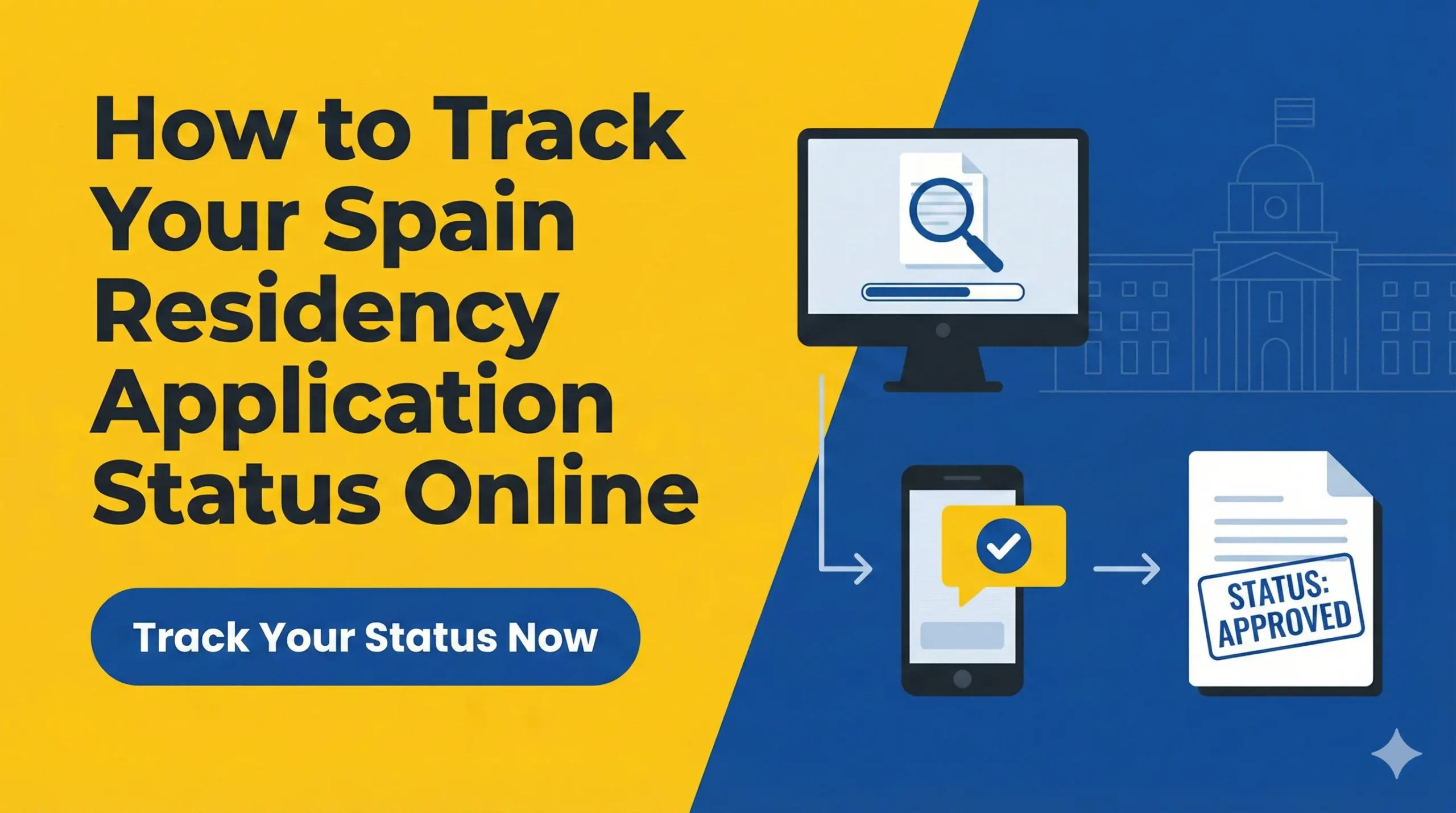
How to Track Your Spain Residency Application Status Online
Waiting for a visa or residency decision can be nerve-wracking. This comprehensive guide explains how to use Spain’s online government portals to track your application status in real-time, decode the official status messages, and understand what “administrative silence” really means for your case.
Disclosure: This post may contain affiliate links. We may earn a commission at no extra cost to you if you make a purchase through these links. Read full disclosure.
Prerequisites for Online Tracking
Before you attempt to log into any government portal, you need to have specific data points ready. The system is incredibly rigid; a single digit or date entered incorrectly will return a “No information found” error, leading to unnecessary panic.
The File Number vs The NIE
To track your file, you generally need one of two key identifiers:
- The NIE (Número de Identidad de Extranjero): If you are renewing a permit or have previously held a visa, you already have this X, Y, or Z number. It is the most reliable way to search.
- The File Number (Número de Expediente): This is a 15-digit code generated when your application is registered in the system. It typically starts with the province code (e.g., 28 for Madrid, 08 for Barcelona), followed by the year, and a long string of numbers.
If you submitted your application physically at a registry office, the sticker they placed on your copy of the EX form contains this Número de Expediente. If you applied online via the Mercurio platform (or a lawyer did it for you), the receipt PDF will clearly list this number.
Important Dates
You will also be asked for the Date of Submission (Fecha de Presentación) or your Year of Birth.
- Critical Note: If you mailed your application or submitted it at a generic registry office (not the specific immigration office), the “Date of Submission” might not be the day you dropped it off. It is the day the Immigration Office digitally recorded it. This lag can sometimes make tracking difficult in the first few weeks.
Method 1: The Open Information Portal (No Certificate Required)
The most accessible way to check your status is through the public Información sobre el estado del expediente de extranjería portal. This website does not require a digital certificate or a Cl@ve PIN, making it ideal for checking on a phone or a public computer.
Step-by-Step Access
- Navigate to the official Sede Electrónica website for “Información sobre el estado del expediente de extranjería”.
- You will see a simple form with two tabs: “Search by NIE” and “Search by File Number” (Por Nº Expediente).
Searching by NIE
This is usually the easiest method if you know your NIE.
- NIE: Enter your NIE (no spaces or hyphens).
- Fecha de Presentación: Enter the date you submitted the application (DD/MM/YYYY).
- Año de Nacimiento: Enter your birth year (YYYY).
Searching by File Number
Use this if you do not have a NIE yet (common for initial visa applications submitted in Spain) or if the NIE search returns errors.
- Número de Expediente: Enter the 15-digit code.
- Año de Nacimiento: Your birth year.
Once you solve the CAPTCHA and click “Consultar,” the system will display a simple text box with your current status. It will not show you the documents or the full history, just the current state of affairs.
Method 2: The ‘Mis Expedientes’ Portal (Digital Certificate Required)
For a more detailed view, or if the open portal is giving you trouble, you should use the “My Files” section of the Administrative Portal. This requires secure identification.
This method is superior because it links directly to your identity. You do not need to type in file numbers or guess the submission date. The system simply pulls every open file associated with your digital ID.
How to Access
- Go to the Sede Electrónica de Administraciones Públicas.
- Select “Mis Expedientes” or access the Mercurio platform.
- Log in using your Digital Certificate or Cl@ve.
- The dashboard will list all active procedures.
If you have not yet set up your digital identification, you are operating at a disadvantage in Spain. It allows you to receive official notifications instantly rather than waiting for physical mail. You can learn how to set this up in our guide: Cl@ve and Digital Certificate: Accessing AEAT (Tax Agency) Online.
Decoding the Status Messages
Once you successfully access your file, you will see a status message in Spanish. These terms have specific legal meanings that dictate your next move. Here is a breakdown of the most common statuses.
En Trámite (In Process)
What it means: Your application has been successfully registered and is currently in the queue.
Context: This is the status you will see for the majority of the waiting period. It means the file is open, but a final decision has not been made. During this phase, the immigration office is checking your criminal records, verifying your social security payments, and cross-referencing your data with the police.
Action: Do nothing. Just wait.
Pendiente de Resolución (Pending Resolution)
What it means: The technical analysis is complete, and the file is on the desk of a decision-maker (or queued for their digital signature).
Context: This usually indicates a decision is imminent—often within days or a week. The rigorous checks are done; now it just needs the final stamp.
Action: Check the website daily.
Resuelto Favorable (Approved)
What it means: Congratulations! Your residency or renewal has been granted.
Context: This is the green light. However, the online status is just an indicator. You technically need the official “Resolution Letter” (Carta de Resolución) to prove this status to the police for your card issuance.
Action: Download the notification if available online, or wait for the letter. Book your fingerprint appointment immediately.
Resuelto No Favorable (Denied)
What it means: The application has been rejected.
Context: The administration has found a reason to deny your request. This could be due to insufficient funds, a criminal record, or simply filling out the wrong form.
Action: You must wait for the formal letter to see the reason for the denial. Once you know the reason, you can file an appeal. Do not panic; many initial rejections are overturned if they were due to missing paperwork. You can read more about this process in Spain Visa Appeals: How Reconsideration and Administrative Appeals Work.
En Vía de Recurso (In Appeal)
What it means: If you were denied and filed an appeal (Recurso de Reposición or Alzada), the status changes to this.
Context: It means they are reviewing your argument against their previous decision.
Action: Wait. Appeals take significantly longer than initial applications.
Archivado (Archived)
What it means: Your application has been closed without a decision, usually because you failed to provide required documents in time.
Context: If the office asked you for a specific paper and you didn’t send it within 10 days (or the notification got lost), they “archive” the file. It is treated as if you withdrew the application.
Action: This is difficult to fix. You essentially have to start over or fight a complex legal battle to reopen the file.
Requerido / Trámite Requerido (Action Required)
What it means: STOP and pay attention. The administration has paused your application because something is missing or unclear.
Context: They have sent you a formal request (Requerimiento) asking for a specific document (e.g., a newer marriage certificate, proof of health insurance payment).
Action: You have a strict deadline (usually 10 business days) to submit the missing documents electronically via the ADAE or Mercurio platforms. If you miss this window, your status changes to Archivado.
Status Cheat Sheet
| Status | Meaning | Urgency Level |
| En Trámite | Processing | Low (Wait) |
| Pendiente de Resolución | Decision Imminent | Medium (Check Daily) |
| Requerido | Documents Missing | Critical (Act Immediately) |
| Resuelto Favorable | Approved | High (Book Appointments) |
| Resuelto No Favorable | Denied | High (Prepare Appeal) |
| Archivado | Closed/Withdrawn | High (Consult Lawyer) |
Understanding Administrative Silence
In Spanish law, there is a concept called Silencio Administrativo. The law dictates that the administration must respond to your application within a certain timeframe (usually 3 months for general residency, 20 days for Digital Nomad Visas).
But what happens if the clock runs out and the status still says En Trámite?
Negative Silence (Silencio Negativo)
For most standard immigration procedures (like initial non-lucrative visas or appeals), silence is interpreted as a rejection. If the time limit passes, you are legally allowed to assume your application was denied and can move to the court appeal stage.
- Reality Check: In practice, foreigners rarely “accept” the rejection. They simply wait longer. The administration is often just backlogged. It is common for a “3-month” process to take 5 months. Eventually, they will answer.
Positive Silence (Silencio Positivo)
For certain renewals and specific permits (like the Digital Nomad Visa under the Startup Law), silence is interpreted as approval. If the administration fails to reject you within the specific window, you are legally granted the residency.
- How to claim it: You must request a certificate proving the administrative silence occurred. This certificate then serves as your approval letter.
Troubleshooting: “No Information Found”
The most frustrating error is No se encuentra información para los datos introducidos. Before you assume your application is lost, check these common culprits.
1. The “Submission Date” Discrepancy
As mentioned earlier, if you applied via a registry office (Registro Público), it might take weeks for the physical papers to travel to the Immigration Office and be scanned. Your “submission date” for the tracking system is the date it was digitally recorded, not the date you dropped it off. Try dates a few days or weeks after your actual submission.
2. Browser Issues
The Spanish government websites are notoriously fickle with browsers. If Chrome isn’t working, try Firefox or Edge. Ensure you do not have pop-up blockers active, as some status windows open as pop-ups.
3. Data Entry Errors
- NIE Format: Ensure you are entering the NIE with uppercase letters and no hyphens (e.g., Y1234567M).
- Name: Sometimes the system expects your name exactly as it appears in the machine-readable zone of your passport (which might cut off middle names).
4. System Maintenance
The platform frequently goes down for maintenance, typically on weekends or late at night Spanish time. If you get an error, wait 24 hours and try again.
Electronic Notifications (DEHú)
While “checking the status” is passive, receiving a notification is active. The Spanish government has moved almost entirely to digital notifications (Notificaciones Electrónicas) for residency procedures.
You should register for the DEHú (Dirección Electrónica Habilitada única). This is a digital mailbox where all government agencies deposit official letters.
- Why it matters: When a notification is deposited in your DEHú, the legal clock starts ticking. If you do not open the email/notification within 10 days, it is considered “rejected” by you, and the procedure continues as if you had read it.
- The Risk: If you receive a Requerimiento (request for docs) in your DEHú but you are only checking the “Status Tracker” website, you might see the status change to Requerido, but you won’t know what they need. You must access the notification to read the letter.
Next Steps After Approval
Seeing Resuelto Favorable is a moment of joy, but you cannot pop the champagne just yet. You have legal obligations to fulfill immediately.
1. Download the Resolution
You need the Carta de Resolución. If you have a digital certificate, you can download it from the “My Files” section or the DEHú notification. Print this out.
2. Book the Fingerprint Appointment
You generally have one month from the date of approval to apply for your physical TIE card. You need to book an appointment for Toma de Huellas at the National Police. This appointment is notoriously hard to get, so start looking immediately. For tips on navigating the booking system, read How to Book a Cita Previa for Extranjería in Spain (Step-by-Step).
3. Pay the Tasa 790-012
You must pay the fee for the physical card issuance before you go to the police station. This is different from the fee you paid when you submitted the application. Ensure you fill out the correct model. We have a full guide on this here: How to Pay Spain Immigration Fees (Tasa) Online: Model 790 Explained.
4. Check Your Padron
If you moved houses while waiting for your approval, you must have an up-to-date Empadronamiento certificate (less than 3 months old) to put the correct address on your new TIE card. See Empadronamiento in Spain: How to Register Your Address for details.
Next Steps After Denial
If the status is Resuelto No Favorable, do not ignore it. You usually have:
- 1 Month to file an administrative appeal (Recurso de Reposición) to the same office.
- 2 Months to file a judicial appeal (Contencioso-Administrativo) in court.
The clock starts the day you receive the notification. Download the denial letter immediately to see the specific reason. Common reasons include “insufficient economic means” or “private insurance not meeting requirements.” These can often be fought if you have additional proof that wasn’t included in the first packet.
Conclusion
Tracking your Spain residency application online gives you a sense of control in a process that often feels chaotic. By understanding the difference between En Trámite and Requerido, and by knowing how to access the secure notifications, you protect yourself from administrative errors and missed deadlines.
The golden rule of Spanish immigration is vigilance. Check your status weekly, check your digital mailbox daily, and ensure your digital certificate is always active. The transition from “Applicant” to “Resident” is a marathon, but the online tools allow you to see exactly where the finish line is.
References
Primary sources (official)
- Sede Electrónica (Main Info Portal):https://sede.administracionespublicas.gob.es/infoext2/
- Mercurio / Mis Expedientes (Secure Access):https://sede.administracionespublicas.gob.es/
- DEHú (Digital Notifications):https://dehu.redsara.es/
- Ministry of Inclusion (Immigration Status Info):https://www.inclusion.gob.es/
Other helpful sources
- LegalTeam Spain (Legal Explanations of Statuses):https://legalteam.es/
- Parainmigrantes.info (Tracker Guides):https://www.parainmigrantes.info/
Disclaimer
The information provided in this article is for general informational purposes only and does not constitute legal advice. Government portals and status terminologies are subject to change. Technical issues with Spanish government websites are common. We recommend consulting with a qualified immigration lawyer or ‘gestor’ if your application status is unclear or if you receive a denial notification.