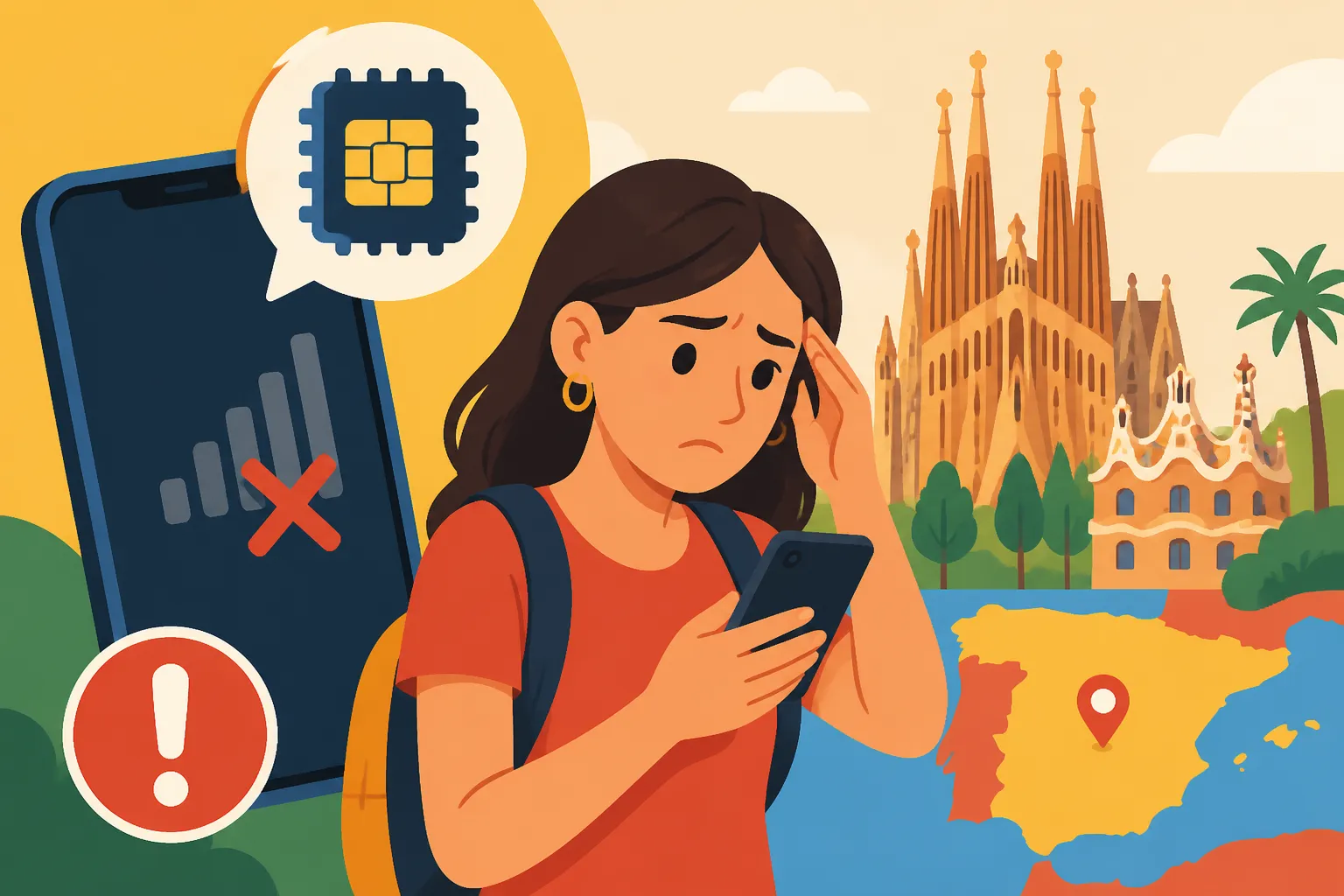
Losing Signal in Spain: Troubleshooting an eSIM That Stops Working
Ah, the moment of dread, isn't it? You've just arrived in beautiful Spain, you're ready to share that stunning photo of the Sagrada Familia or find your way to a hidden tapas bar in Seville, and suddenly… nothing. Your eSIM, which promised seamless connectivity, has decided to ghost you. It’s frustrating, bewildering, and, frankly, a bit panic-inducing when you're reliant on your phone for navigation, communication, and those all-important travel tips. Don't worry, friend, you're not alone. I’ve been there, staring blankly at a "No Service" message when I desperately needed to find my way. This guide is here to walk you through the common reasons your eSIM might be playing hide-and-seek with the Spanish network and, more importantly, how to get it working again, fast.
Disclosure: This post may contain affiliate links. We may earn a commission at no extra cost to you if you make a purchase through these links. Read full disclosure.
The Initial Panic: Why Your eSIM Might Seem to Fail in Spain
It's easy to jump to conclusions when your phone goes silent. Is it my phone? Did I do something wrong? Is Spain's network just… difficult? The truth is, it could be a combination of things, and often, it's a simple fix. But before we get to the fixes, let's validate that sinking feeling you get.
Common Causes for eSIM Connectivity Issues
When your shiny new eSIM decides to take a siesta instead of connecting to the network, there are usually a few culprits behind the scenes. Understanding them is the first step to getting things humming again.
First off, let’s talk about coverage blackholes. Spain, for all its modernity and charm, still has its fair share of spots where signal just doesn't penetrate. Imagine you're exploring the winding, ancient streets of Toledo or deep within a metro station in Madrid. You might find yourself in an area where the signal is notoriously weak, or even nonexistent, especially if you're underground or in very rural, mountainous terrain. It's not necessarily your eSIM failing; it's just the physical limitations of radio waves. Even the best providers struggle in these areas. You might find some relief above ground or closer to a city center.
Next, there are activation glitches. This one is a biggie, especially for those new to eSIM technology. Sometimes, the eSIM profile isn't downloaded or installed correctly. Perhaps the QR code didn't scan properly, or you missed a crucial step in the setup process. It could also be a slight delay in the network recognizing your newly activated profile. While most eSIMs are designed for instant activation, sometimes there’s a lag between your purchase, the provider assigning you a profile, and the local Spanish network picking it up. Many travellers report activating an eSIM at home, only for it to sputter on arrival, purely because the network needed a few more minutes to catch up.
Then, the often-overlooked data roaming settings. This is a classic expat mistake, even for seasoned travelers. With a physical SIM, you often just pop it in, and it works. With an eSIM, particularly if you have other physical SIMs installed, your phone needs to know which SIM to use for data, and critically, that data roaming is enabled for that specific eSIM. If your phone is still defaulting to a physical SIM with no roaming plan, or if the eSIM's data roaming is toggled off, you're going to be out of luck. It's a simple switch, but one that gets missed all the time.
Finally, don't underestimate fair usage policies or unexpected throttling. Some eSIM plans, especially those advertising "unlimited" data, actually have a cap after which your speeds are drastically reduced. If you've been streaming all your favorite shows on a long bus journey across Spain or video calling family nonstop, you might have hit that hidden limit. While it's not a complete "failure" of the eSIM, it can feel like one when your internet grinds to a halt, leaving you unable to even load a simple map. It's worth reviewing the terms of your specific plan if you suspect this is the case.
Validating Your Frustration: It's Not Always User Error
Let's be real for a moment: navigating technology in a new country, especially when that technology is relatively new itself, is tough. It's perfectly normal to feel a wave of frustration when your eSIM decides to give up the ghost. You’ve done your research, bought the plan, and followed the instructions – so why isn't it working?
The complexity of new tech often leads us to blame ourselves. eSIMs are fantastic for convenience, but they add an extra layer of digital setup that isn't as intuitive as simply swapping a plastic card. You might be juggling multiple profiles, trying to remember if you’ve enabled the correct one, or if your phone model even fully supports all the nuances. This isn’t a reflection of your tech savvy; it's a learning curve. Many of us, myself included, have spent exasperated minutes in a café trying to figure out why the signal isn't connecting, only to realize it was a tiny setting I’d overlooked.
And then there's Spain itself. Bless its heart, but the infrastructure here can sometimes feel like a charming, yet bewildering, labyrinth. While major cities generally have excellent mobile coverage, the transition from urban hubs to rural pueblos can be jarring. Sometimes, even within a city, you hit an unexpected dead zone. Public Wi-Fi isn't always reliable, and administrative processes can feel like they're designed to test your patience. So, when your eSIM isn't working, it’s not just you. It's a mix of new tech, a foreign environment, and the universal experience of something not working when you need it most. You have every right to feel a little annoyed!
Step-by-Step Troubleshooting When Your eSIM Goes Silent
Alright, enough commiserating. Let's roll up our sleeves and get your connectivity back. Most issues are easily fixed with a bit of methodical checking. Think of it as a treasure hunt for your signal!
First Line of Defense: Basic Checks
When you first notice your eSIM isn't playing nice, start with the classics. These simple steps often resolve the issue quicker than you can say "¡Olé!"
The absolute first thing to do is restart your phone. I know, I know, it sounds cliché, but it works more often than you'd think. A quick power cycle can clear out any minor software glitches, refresh network connections, and sometimes, that's all it takes for your eSIM to suddenly find its footing on the Spanish network. It's like giving your phone a little reset button for its brain. Give it a minute or two, power it back on, and see if that little signal indicator perks up.
While your phone is restarting or right after, check your eSIM status in settings. On most smartphones (iOS or Android), go to "Settings," then "Cellular" or "Mobile Data." Here, you should see your different SIM profiles. Make sure the eSIM you intend to use for data in Spain is enabled and, crucially, that "Data Roaming" is switched ON for that specific eSIM. It's a common oversight! Sometimes, people enable the eSIM but forget to allow it to roam on foreign networks. Also, ensure that this eSIM is selected as your primary line for "Mobile Data." If you have a physical SIM from your home country still active, your phone might be defaulting to that one.
Finally, give toggling airplane mode a shot. Turn it on for about 10-15 seconds, then turn it off. This forces your phone to disconnect from all networks (cellular, Wi-Fi, Bluetooth) and then reconnects them fresh. It’s a softer reset than a full restart but can sometimes nudge your eSIM into finding a better signal or registering with the local network.
Deep Dive into Settings: What to Adjust
If the basic checks didn't magically fix things, it's time to dig a little deeper into your phone's settings. Don't worry, we'll go through it systematically.
Let's talk about APN settings. APN stands for Access Point Name, and it’s basically the gateway between your phone and the internet provider’s network. Usually, these settings are configured automatically when you activate an eSIM, but sometimes they need a gentle push. If you're using an Airalo eSIM, for example, their default APN is usually "globaldata" or similar, and it's quite reliable. However, if your eSIM guide provided specific APN details, double-check that they match. You can usually find the APN settings under your eSIM’s cellular data options. If they're incorrect or blank, manually enter the correct APN information provided by your eSIM carrier. A quick web search (if you can hop on Wi-Fi) for "[Your eSIM Provider] Spain APN settings" might give you the exact string you need.
Another often-overlooked area is data usage limits. Many smartphones allow you to set monthly or billing cycle data limits to avoid overages. It’s possible you’ve unknowingly hit this limit, and your phone has automatically cut off your data supply. Go into your mobile data settings and check your "Data Usage" or "Data Warning & Limit" section. If you see that you're near or over a set limit, try disabling it temporarily or adjusting the threshold. This is separate from any data caps your eSIM provider might have, so it's worth checking both.
And what about physical SIM conflict? If you have your home country's physical SIM still in your phone, your device might be getting confused. Many modern smartphones are dual SIM, meaning they can manage both a physical SIM and an eSIM. However, you need to tell your phone explicitly which one to use for data. Under your "Mobile Data" or "Cellular Data" settings, ensure that your Spain eSIM is selected as the primary line for data. If you don't need your physical SIM for calls or texts while in Spain, you might even consider temporarily disabling it within your phone settings to completely avoid any conflict and ensure your eSIM has its full attention.
For those rare but stubborn cases, you might also try a manual network operator selection. Instead of letting your phone automatically pick up the strongest signal, you can force it to scan for available networks and choose one manually. In Spain, the major carriers are Movistar, Vodafone, Orange, and MásMóvil. Your eSIM typically roams on one of these. Go to your network selection settings (usually under Mobile Network settings, look for "Network Operators" or "Carrier") and disable automatic selection. Your phone will then scan for networks. Try connecting to each of the major Spanish networks one by one. Sometimes, one specific network might have better compatibility with your eSIM profile than another.
Reaching Out for Help: When to Contact Support
You’ve tried all the restarts, the toggles, and the deep dives into settings, and your eSIM is still giving you the silent treatment. At this point, it’s time to call in the cavalry – your eSIM provider’s customer support.
Most good eSIM providers, like Airalo, offer 24/7 customer support via their app, website chat, or email. Don't waste precious travel time fretting; reach out. When you do, make sure you have some key information ready to speed up the process. This includes:
- Your phone model: (e.g., iPhone 15 Pro, Samsung Galaxy S24)
- Your eSIM order number or ICCID: This uniquely identifies your eSIM profile.
- The specific error message you're seeing (if any): "No Service," "SOS Only," "Network Not Available," etc.
- The steps you've already taken: Mentioning you've restarted, checked data roaming, and toggled airplane mode will help them skip basic troubleshooting.
- Your current location: Knowing if you're in central Madrid or a remote village helps them check for local network outages.
It's also a good idea to try and find a Wi-Fi connection (a café, your accommodation, or even a friend's hotspot) before contacting support, as you'll likely need internet access to communicate with them. Remember, they're there to help, and sometimes a quick chat with an expert can uncover an issue you didn't even know to look for.
Planning Ahead: Avoiding Future eSIM Headaches in Spain
While troubleshooting is a vital skill, prevention is always better than cure. With a little foresight, you can minimize the chances of your eSIM going AWOL in Spain.
Choosing the Right eSIM Provider for Spain
This is where a little upfront research truly pays off. Not all eSIM providers are created equal, especially when it comes to international travel. When you're picking an eSIM for Spain, you want reliability, good coverage, and clear, transparent terms.
This is precisely why it is worth considering Airalo. They are genuinely the hero solution in the eSIM world for good reason. For expats and tourists in Spain, Airalo offers excellent reliability. They partner with major local networks like Movistar, Orange, and Vodafone, which means you're getting robust coverage across the country, from bustling Barcelona to the tranquil beaches of the Costa del Sol. Their plans are straightforward, with no hidden fees, and their app is incredibly user-friendly for monitoring your data usage and topping up when needed. Forget fiddling with obscure local SIM cards or wrestling with confusing activation processes; Airalo makes it remarkably simple to stay connected.
When you're choosing, think about your needs. Are you just on a short trip to Madrid and need a quick data top-up? Or are you planning to spend months exploring the various regions? Airalo offers various data packages, from country-specific plans for Spain to regional options that cover all of Europe, which can be fantastic if your travels extend beyond Spain's borders. Always check the data allowance and validity period – a 7-day, 1GB plan might be fine for light use, but if you're relying on it for navigation, social media, and communication, you'll need more. Choosing a provider that offers flexibility and reliable local partnerships, like Airalo, can save you a world of grief.
Pre-Arrival Best Practices
A few smart moves before you even land in Spain can make all the difference to a smooth, connected arrival.
The golden rule for eSIMs is to install and activate before you land. Seriously, do it at home, in an area with stable Wi-Fi. This ensures the eSIM profile downloads correctly onto your phone and has a chance to register with the network. You might not get full service until you hit Spanish soil, but at least the initial setup is done without the added stress of trying to find Wi-Fi at the airport or your accommodation. Most eSIMs activate their validity period only when they connect to a supported network in the destination country, so you won’t be wasting data by setting it up early.
Next, understand data validity periods. An eSIM might come with 5GB of data valid for 30 days. Know precisely when that 30-day clock starts ticking. Is it on purchase? On installation? On first connection to a Spanish network? Most often, it's the latter, but clarity prevents running out of data unexpectedly. Using the Airalo app, for example, gives you a clear countdown of your validity and your remaining data, so you're never caught off guard. This brings me to my next point: Having a backup plan is crucial. Even with the most reliable eSIM, technology can fail. Always know where you can find Wi-Fi (cafes, public libraries, your hotel). Consider having a secondary physical SIM for emergencies, or even a small amount of roaming data enabled on your home SIM for critical communications. Knowing you have options, even if you never use them, brings peace of mind.
Lastly, and this is a subtle but important one: be aware of regional nuances in coverage. While Airalo generally provides excellent coverage across Spain due to its partnerships with leading local providers, signal strength can still vary. Big cities like Madrid, Barcelona, Valencia, and Seville will typically have strong, fast connections. However, venture into the Picos de Europa mountains, the remote areas of Extremadura, or deep underground on the Barcelona Metro, and you might experience slower speeds or temporary drops. For example, knowing that some metro lines have patchy service can help you manage expectations. Don't panic if your signal dips in a very specific, isolated location; it's often a geographical limitation, not an eSIM failure.
Regional Nuances: Coverage Differences
Spain is a wonderfully diverse country, but this diversity extends to its mobile network coverage. While your eSIM provider, like Airalo, will generally leverage the best available networks (Movistar, Orange, Vodafone), there are still significant differences.
In the bustling big cities like Madrid, Barcelona, and Valencia, you'll almost always enjoy robust 4G and often 5G coverage. You can stream, video call, and navigate with ease. The population density means infrastructure is plentiful and well-maintained. However, even here, you might hit those aforementioned "urban blackholes"—a deep basement bar, an old apartment building with thick walls, or indeed, the aforementioned underground metro systems.
Move out to the small towns and rural areas, and the landscape changes dramatically. While major roads and larger towns will still have decent coverage, very remote villages, national parks, or mountainous regions (like the Pyrenees, Sierra Nevada, or even parts of inland Andalusia) can have spotty or non-existent signal. This is less about your eSIM and more about the simple economics of network deployment. Carriers prioritize areas with more users. If your Spanish adventure involves a lot of hiking or exploring off-the-beaten-path destinations, you should temper your expectations for constant, high-speed connectivity. Always download offline maps (like Google Maps or Maps.me) for these trips and inform someone of your itinerary.
Understanding these nuances helps manage expectations. Your Airalo eSIM is doing its job by connecting to the best available network; sometimes, that best available network just isn't everywhere.
When to Consider Alternative Solutions (and Why Airalo Still Shines)
While eSIMs offer incredible convenience, it’s always good to be aware of other options, if only to appreciate just how much easier an eSIM can make your life.
Local Physical SIM Cards
For many years, the go-to solution for travelers and expats was to grab a local physical SIM card upon arrival. There are definitely pros to this approach. They are often cheaper for very long stays if you find a good local deal, and they give you a local Spanish phone number, which can be useful for things like signing up for local services or receiving calls from Spanish contacts. Major providers like Orange, Vodafone, and Movistar have stores everywhere.
However, the cons can quickly outweigh the pros for many. The biggest hurdle is the administrative hassle. You'll need to find a store, wait in line, present your passport (and sometimes NIE or TIE if you’re a resident), fill out paperwork, and then go through an activation process. This can eat up precious travel time and be frustrating if there’s a language barrier. Then there's the problem of losing your primary SIM slot. If your phone only has one physical SIM slot, you’ll have to remove your home SIM, which means you won't receive calls or texts to your regular number unless you constantly swap them. This can be a major inconvenience, especially if you need to receive two-factor authentication codes or keep in touch with family on your primary number. For shorter trips or for those who value seamless setup, the simplicity of an eSIM like Airalo is a clear winner over the fuss of a physical SIM.
Pocket Wi-Fi Devices
Another alternative is a pocket Wi-Fi device, also known as a mobile hotspot or MiFi. These small, portable devices act as a personal Wi-Fi network, connecting to the cellular network and then broadcasting a Wi-Fi signal that multiple devices (your phone, laptop, tablet) can connect to.
The main pro is that they are shareable, allowing several people or devices to use the same data connection. They're also a dedicated device, meaning your phone's battery isn't drained by constantly searching for and maintaining a cellular connection.
The downsides, however, can be significant. It's another device to charge every single night, adding to your already burgeoning collection of adapters and cables. They can be bulky to carry around in your pocket or bag. And crucially, there are rental costs involved, which can add up over time, or the upfront purchase cost of the device itself, plus the ongoing data plan. You might pay €5-10 per day for a rental, or €50-100 to buy one outright before adding a SIM card. When compared to the simplicity and cost-effectiveness of Airalo, which turns your existing smartphone into a personal hotspot anyway, a pocket Wi-Fi device often feels like an unnecessary extra gadget.
Roaming with Your Home Provider
This is perhaps the easiest but often the most expensive option. Simply keeping your home SIM card active and allowing international roaming.
The clear pro here is convenience. You don't have to do anything! Your phone just works as soon as you land, and you keep your original phone number for calls and texts.
But the con is a monumental one: it's often incredibly expensive. Unless your home plan specifically includes a generous international roaming package (and many don't, or have very restrictive fair usage policies), you could rack up astronomical charges for data, calls, and texts. Even "daily passes" can quickly add up, easily costing €10-15 per day, which becomes financially unsustainable for anything longer than a weekend trip. Suddenly, that €30 for a week's worth of data with Airalo looks like an absolute bargain.
This is where the value proposition of an eSIM from a provider like Airalo truly stands out. It offers the plug-and-play convenience of roaming with your home provider but at a fraction of the cost and none of the administrative headaches of a local physical SIM. You maintain your home number for important calls and messages (if your phone supports dual SIM functionality), while getting reliable, affordable data right on your device. For expats and tourists alike, it's often the smartest way to stay connected in Spain.
Disclaimer
Please remember that while this guide offers comprehensive advice based on common experiences and current practices, technology and regulations can change. Always verify the latest information with your specific eSIM provider and check local conditions in Spain. This guide is for informational purposes only and does not constitute professional advice.