Installing an eSIM Before You Fly to Spain: Step-by-Step and Common Errors
Ah, the delightful chaos of landing in Spain! You step off the plane, filled with anticipation for tapas, historic sights, and sun-drenched plazas, only to be immediately confronted with a tiny, yet mighty, problem: how do you get online right now? That frantic search for Wi-Fi, the worry about astronomical roaming charges, or the confusing hunt for a physical SIM card at the airport – it's a rite of passage for many, but it doesn't have to be yours. This guide is here to walk you through the absolute smoothest way to ensure you're connected from the moment your feet touch Spanish soil, focusing on the simple, stress-free magic of an eSIM, particularly with a fantastic provider like Airalo.
Disclosure: This post may contain affiliate links. We may earn a commission at no extra cost to you if you make a purchase through these links. Read full disclosure.
The Modern Traveler's Secret: Why an eSIM is Your Connectivity Champion for Spain
Let’s be honest, the old ways of getting connected abroad can be a real headache. You’re either paying through the nose for your home provider’s roaming package, which often offers limited data, or you’re on a quest for a local physical SIM card. That quest involves finding a mobile shop, navigating language barriers, filling out paperwork (sometimes needing your passport and a prayer), and then wrestling with a tiny SIM tray tool that inevitably gets lost. It’s not the welcome you want when you’re craving a café con leche.
This is where the eSIM swoops in like a superhero. An eSIM, or embedded SIM, is a digital SIM card that's built right into your phone. No physical card, no swapping, no tiny tools. It's truly a game-changer for anyone traveling to Spain, offering unparalleled convenience and flexibility.
Ditch the Roaming Fees and Physical SIM Swaps
One of the biggest anxieties for expats and tourists alike is the dreaded phone bill after a trip. Roaming charges can pile up faster than you can say "¡Olé!", turning your perfectly budgeted holiday into a financial fright. Even with EU roaming regulations, if you're coming from outside the EU, the costs can be prohibitive, and even within the EU, fair usage policies can kick in sooner than you think, throttling your speed or charging you extra.
With an eSIM, you bypass all of that. You purchase a data plan specifically for Spain from a provider like Airalo, and it's active when you arrive. It’s a pre-paid data package, so you know exactly what you’re spending, and there are no hidden fees or nasty surprises. Plus, not having to mess around with a physical SIM means one less thing to worry about losing or fumbling with at the airport, particularly after a long flight when your brain is already a bit fuzzy from travel.
Instant Connectivity from Touchdown
Imagine this: your plane lands at Madrid-Barajas or Barcelona-El Prat, you switch off airplane mode, and bam! – your phone connects to the local network instantly. No waiting in line, no searching for airport Wi-Fi (which is often spotty or requires fiddly logins), no language struggles. You can immediately call your taxi, check directions to your AirBnB, or send a quick "¡Estoy aquí!" message to your loved ones.
This immediate access to data is invaluable. Think about trying to navigate public transport in a new city or coordinating with friends at a bustling meet-up point. Having reliable data right off the bat saves you so much stress and time, letting you soak in the initial Spanish vibes instead of being glued to your phone, desperately seeking a signal. Airalo makes this a reality, letting you preload your data plan days or even weeks before you depart.
Keeping Your Home Number Active
Another fantastic perk of using an eSIM is that it allows you to maintain your primary phone number. Most modern smartphones support dual SIM functionality, meaning you can have your physical SIM (your home number) active alongside your eSIM (your Spanish data plan). This is brilliant for a few reasons:
Firstly, you can still receive important calls or texts to your home number without incurring roaming charges for data. Secondly, many apps, like banking or messaging services, are tied to your primary number, and an eSIM ensures you don't disrupt these essential services. You can continue to use WhatsApp with your usual number, for example, but simply use the eSIM for all your data needs, like browsing, maps, and social media. It truly offers the best of both worlds, providing seamless local data while keeping you tethered to your life back home in a manageable way.
Your Step-by-Step Guide to Installing an Airalo eSIM for Spain
Getting started with an eSIM might sound technical, but I promise you, it's far simpler than trying to explain "I need a pay-as-you-go SIM with 10GB of data, please" in broken Spanish to a hurried clerk. Airalo has streamlined the process beautifully. Here’s how you can set yourself up for stress-free connectivity before you even leave home.
Before You Even Pack: Checking Device Compatibility
This is perhaps the most crucial step, and one where many newcomers trip up. Not all phones are eSIM compatible, especially older models. Before you get too excited, take a moment to check if your device supports eSIM technology. Most flagship phones released in the last few years from major brands like Apple (iPhone XS and newer, excluding some models sold in mainland China), Samsung (Galaxy S20 and newer, with some regional variations), Google Pixel (Pixel 3 and newer), and others generally support it.
To check, go into your phone's settings:
- iPhone: Settings > General > About > Scroll down to "Available SIM" or "Digital SIM." If you see a number, you're likely good.
- Android: This varies wildly by manufacturer. A quick Google search for "[Your Phone Model] eSIM compatibility" is often the easiest route.
Don't skip this. There's nothing worse than buying a plan only to find your phone can't use it! If your phone isn't compatible, don't despair; you might need to stick to the traditional physical SIM route or look into portable Wi-Fi devices. But for the vast majority of recent smartphone users, you're likely good to go.
Choosing Your Data Plan with Airalo
Once you’ve confirmed your phone is eSIM-ready, it's time to pick your data plan. Airalo offers a variety of packages tailored for different travel needs. This flexibility is another reason why Airalo is often recommended to expats; you're not locked into a huge, expensive contract.
Here's how it generally works:
- Download the Airalo App: Head to your phone’s app store and download the Airalo app. It’s intuitive and easy to navigate.
- Search for Spain: In the app, search for "Spain" or "España." You'll see a list of available eSIM plans.
- Select Your Plan: Airalo's plans typically vary by data amount (e.g., 1GB, 3GB, 5GB, 10GB, etc.) and validity period (e.g., 7 days, 15 days, 30 days). Think about how long you'll be in Spain and how much data you realistically need. Are you a heavy streamer, or just need maps and messaging? A quick weekend trip might only need a few GBs, while a month-long exploration of Andalusia for Travelers: Cities, Coast, and Culture might warrant a larger package.
- Purchase the Plan: Follow the prompts to purchase your chosen plan directly through the app. The process is straightforward and secure.
Many times, new users are wary of purchasing something digital without understanding the coverage. Airalo utilizes local Spanish networks, giving you reliable service in most areas. So, whether you're strolling through the bustling streets of Barcelona or exploring a remote village, you can count on decent connectivity. This often gives you better coverage and speeds than some international roaming partners might.
The Installation Process
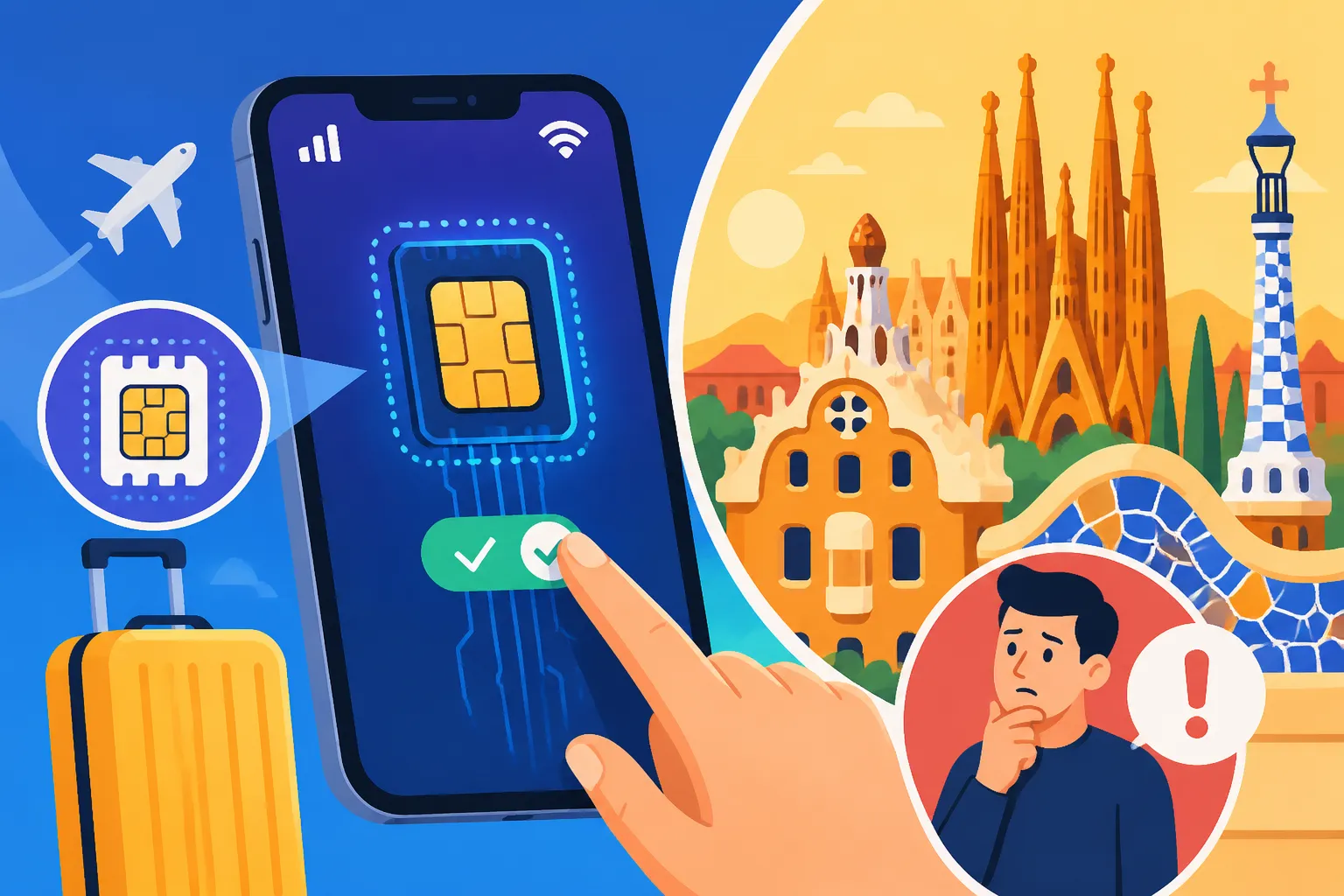
This is where the magic happens! After purchasing your Airalo eSIM, you'll receive installation instructions, usually within the app or via email. There are typically two main ways to install an eSIM:
- Direct Installation (Recommended for Ease): The Airalo app often guides you through a direct installation process. You simply tap a button, and your phone's settings will prompt you to add the eSIM. This is usually the quickest and least error-prone method.
- QR Code Scan: If direct installation isn't available or you prefer, Airalo will provide a QR code. You'll need a second device (like a tablet or another phone) to display the QR code, or you can print it. Then, on your primary phone, go to Settings > Cellular/Mobile Data > Add eSIM/Add Data Plan, and choose the option to scan a QR code. Scan it, and your phone will do the rest.
- Manual Installation: For those rare times when neither of the above works, you'll be given activation codes and details to manually input into your phone's settings. This is a bit more involved but still perfectly manageable.
Make sure you follow the instructions carefully, especially the part about labeling your new eSIM (e.g., "Spain Data" or "Airalo Spain"). This helps you distinguish it from your home SIM later. It is wise to install it before you fly, while you still have a stable Wi-Fi connection at home. This way, if you hit any snags, you're not scrambling in an airport terminal.
Activation and Troubleshooting on Arrival
Your Airalo eSIM is installed, but it won't actually kick into gear until you tell it to. Here's what to do when you land in Spain:
- Enable Your eSIM: Go to your phone's Settings > Cellular/Mobile Data. You'll see your home SIM and your newly installed Airalo eSIM. Make sure the Airalo eSIM is toggled "On."
- Set as Primary for Mobile Data: Crucially, you'll need to select your Airalo eSIM as the primary line for "Mobile Data" or "Cellular Data." Your home SIM can remain active for calls/texts, but for internet, direct your phone to use the eSIM.
- Enable Data Roaming for the eSIM: This sounds counter-intuitive, as the whole point is to avoid roaming charges, but for an eSIM from a third-party provider like Airalo, you generally need to enable "Data Roaming" for that specific eSIM line within your phone settings. Don't worry, with Airalo, this won't incur extra costs as it's part of how the eSIM connects to the local networks they partner with. Just ensure it's only enabled for your Airalo eSIM, not your home SIM!
- Test It Out: Open a browser, try Google Maps, or send a WhatsApp message. If everything works, congratulations, you're connected!
If you encounter issues, don't panic. Check that "Data Roaming" is enabled for the Airalo eSIM. Sometimes, simply restarting your phone can solve minor connectivity glitches. Remember, Airalo has customer support available through their app if you get truly stuck, which is much easier than trying to find help in an unfamiliar airport.
| Feature | Traditional Physical SIM (Local) | Home Network Roaming | Airalo eSIM (Local Data) |
|---|---|---|---|
| Physical Card | Yes | N/A | No |
| Installation | In-person purchase & swap | Automatic (if enabled) | Digital (QR scan/app install) |
| Cost Control | Often pre-paid, clear limits | High potential for unexpected fees | Pre-paid, transparent pricing |
| Instant On Arrival | Requires airport/store visit | Yes, but at a cost | Yes, once enabled |
| Home Number Active | No, unless dual SIM supported | Yes, fully | Yes, for calls/SMS |
| Language Barrier | Possible during purchase | None | None |
| Flexibility | Fixed plans | Fixed daily/bundle rates | Variety of data/duration plans |
| Network Access | Local provider | Roaming partner (can be slower) | Local provider via partnership |
Common Pitfalls and How to Avoid Them
Even with the best intentions and the simplest technology, things can sometimes go sideways. Most issues with eSIMs are easily preventable if you know what to watch out for.
Compatibility Check Missteps
I cannot stress this enough: verify your phone's eSIM compatibility before you buy a plan. Many travelers have reported getting excited about a seamless connection, only to realize their older iPhone 7 or a specific regional Android model just doesn’t have the hardware. It's a bummer, but it's better to know upfront.
Take the time to do a quick search or delve into your phone's settings. If you're unsure, visit a reliable electronics store or contact your phone manufacturer's support. Better safe than sorry, and it saves you money and frustration. Airalo's website also has a helpful list of compatible devices, so cross-referencing there is always a good idea.
Forgetting to Activate Data Roaming (for eSIM)
This is probably the single most common "error" I see. People install the eSIM, set it as their data line, but forget that crucial step: enabling "Data Roaming" for the eSIM only. Modern phones have global roaming turned off by default to protect you from unexpected charges with your home provider. So, when you install a new eSIM that uses a foreign network, your phone still sees it as "roaming" from its default perspective.
The trick is to go into your phone settings, find the specific eSIM you just installed, and switch on its data roaming. Again, this will not incur extra costs with Airalo, as you've already paid for your data package. It simply allows your phone to connect to the local Spanish cellular towers that Airalo partners with. If your data isn't working on arrival, nine times out of ten, this is the culprit.
Data Usage Surprises
While Airalo plans are prepaid, you still need to be mindful of your data usage, especially if you’ve picked a smaller package for a longer trip. Streaming videos, making lengthy video calls, or continuously uploading high-resolution photos can eat through data surprisingly fast.
To avoid running out of data mid-exploring, here are some tips:
- Monitor Usage: The Airalo app usually provides a tracker for your remaining data. Keep an eye on it. Your phone's settings also have data usage monitors.
- Use Wi-Fi When Available: Whenever you're in your accommodation, a café, or a public area with reliable, secure Wi-Fi, switch to it! This conserves your eSIM data for when you truly need it on the go.
- Download Offline Maps: Before heading out, download offline maps of the areas you'll be exploring using Google Maps or similar apps. This can drastically reduce data consumption when navigating.
- Adjust App Settings: Many apps, like social media or streaming services, have settings to reduce data usage by lowering video quality or preventing auto-downloads.
If you find yourself running low, Airalo makes it super easy to top up your plan right from the app, usually with just a few taps. It's much less of a hassle than trying to figure out how to buy more data on a traditional local SIM, or worse, facing unexpected charges from your home network.
Maximizing Your Connectivity in Spain with Your eSIM
Having an eSIM like Airalo isn't just about having data; it's about unlocking a smoother, more enjoyable travel experience in Spain. From navigating intricate city streets to staying in touch with newfound friends, your seamless connection becomes an invisible, invaluable travel companion.
Seamlessly Navigating Cities
Gone are the days of squinting at paper maps or trying to decipher street names while holding up foot traffic. With an active eSIM data plan, you can rely on apps like Google Maps or Citymapper to guide you through Spain's charming labyrinthine streets with ease. Need to find the nearest metro station in Valencia? Looking for that highly-rated tapas bar in Seville? Want to grab a ride-share from your Accommodation in Spain: Hotels, Hostels, and Rentals to a specific landmark? Your Airalo eSIM makes it effortless.
Being able to look up public transport routes and real-time schedules, find local attractions, or even quickly translate a menu right on the spot (using an app like Google Translate, powered by your data) fundamentally changes how you interact with a new city. It empowers you to explore more spontaneously and confidently, without the fear of getting truly lost or missing out because you couldn't find information. For those moments when you're rushing to an important appointment, such as a Spain Immigration Appointments & Paperwork: How to Avoid Delays or an urgent Finding Doctors in Spain: Appointments, Referrals, and Language Tips, having reliable internet is paramount.
Staying Connected on the Go
Whether you're traveling for leisure or mixing in some remote work, an eSIM ensures you're always connected. You can upload those stunning photos of the Sagrada Familia to Instagram, keep up with emails from your clients, or enjoy a video call with family back home from a sunny plaza. The freedom to use your phone just as you would at home, without constantly hunting for Wi-Fi, means you never miss a beat.
For digital nomads or those needing to work while in Spain, a reliable data connection is non-negotiable. An Airalo eSIM provides that stability, allowing you to answer urgent messages, access cloud documents, or even join a quick video conference if absolutely necessary. It means you can travel lighter, without the need for portable hotspots, and you have greater flexibility in where you can set up your "office" for a few hours.
Extending Your Stay or Data
Life in Spain often has a way of making you want to extend your stay. Perhaps you've fallen in love with a particular city like Granada, or discovered a charming pueblo where you want to linger longer. Or maybe your data needs changed, and you've used more than anticipated. With Airalo, topping up or extending your plan is incredibly simple.
Unlike physical SIMs which might require another trip to a store or navigating complex top-up codes, Airalo allows you to purchase additional data or extend your plan's validity directly through their app. This seamless process means your connectivity is never truly interrupted. You can be at a café enjoying a leisurely afternoon, realize you're low on data, and have a new plan active in minutes without moving from your seat. This ease of management is a major reason why Airalo is a go-to for so many seasoned travelers. You can compare different top-up options or even consider a regional eSIM if your adventures take you beyond Spain into other European countries, allowing you to maintain continuous data coverage across your journey. This kind of flexibility truly aligns with the spirit of modern travel and expat life.
Disclaimer
The information provided in this guide is intended for general informational purposes only and does not constitute professional advice. While we strive to keep the content accurate and up-to-date, rules and regulations regarding immigration, mobile services, and travel can change frequently. Always verify current requirements and consult official sources or qualified professionals for personalized advice before making any decisions related to your travel or residency in Spain. Service availability, pricing, and terms of specific eSIM providers like Airalo are subject to change.